🇫🇷 Cet article existe aussi en français : Vos données ne sont pas prêtes pour Copilot (et comment le savoir avant de payer)
You’re about to deploy Microsoft 365 Copilot. Leadership approved the budget, the licenses are in the cart. And yet the real question isn’t « will Copilot work? » — it works remarkably well. The real question is: what will it make visible?
Because Copilot doesn’t make your data smart. It makes every file your employees could already technically open findable at conversational speed — including the ones nobody should ever have shared so widely. This is the « foundations » line item of your 2027 budget roadmap playing out in practice, before the first license invoice even lands.
Why oversharing is the #1 risk in a Copilot deployment
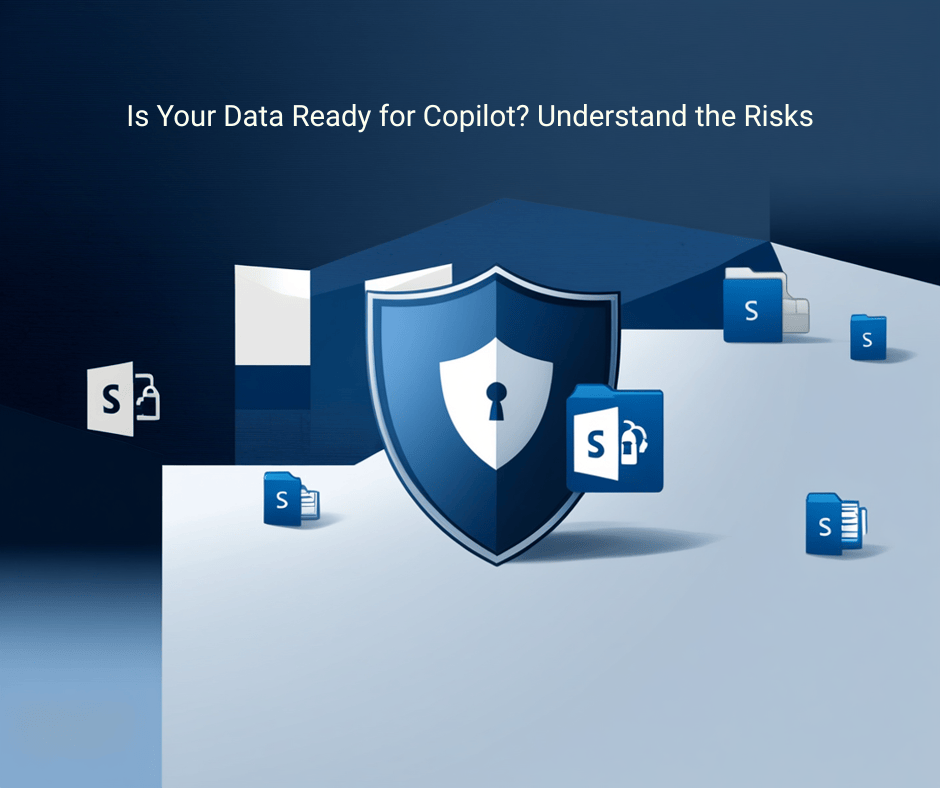
Copilot accesses SharePoint and OneDrive content through Microsoft Graph, and it strictly honors each user’s permissions. That’s presented as a security guarantee — and it is one. But it’s also the heart of the problem: if an employee has « at least view access » to a document, Copilot can retrieve it, summarize it, and cite it in an answer. It doesn’t matter that the document is buried in a site everyone forgot three years ago.
The field numbers are telling. EPC Group finds an average of 150 to 300 overshared SharePoint sites per enterprise tenant, and ranks oversharing as the top Copilot security risk. The mechanism is simple: a sharing problem that had been quietly dormant for years becomes an AI problem the second Copilot goes live. The salary grid « temporarily » dropped on a team site, the HR folder with over-broad inherited permissions, the acquisition strategy memo shared with « everyone in leadership » — all of it becomes queryable in natural language.
The consensus among 2026 governance experts is unanimous: adoption is outrunning readiness. What separates a deployment that pays off from one that exposes you isn’t Copilot itself — it’s the data underneath. (Sources: EPC Group, 2026; CIAOPS, Aug 2026; Microsoft Learn.)
The 5 risks that sabotage a Copilot deployment
Before you pay, learn to spot these five gaps. They’re what turn a productivity tool into a confidentiality incident.
1. SharePoint oversharing. « Everyone in the organization » links handed out for convenience, sites public by default, one-click shares that were never revoked. This is the primary vector: Copilot doesn’t create the leak, it reveals it at scale.
2. Inherited permissions. A sensitive subfolder that inherits the rights of an over-open site. Nobody ever broke inheritance, nobody ever checked who could actually read what. Copilot exploits that inheritance without hesitation.
3. Stale data and sprawl. Ownerless legacy project sites, abandoned workspaces, outdated versions of contractual documents. Copilot doesn’t sort the current document from its 2022 draft: it may cite the wrong one, with the authority of an AI answer.
4. Missing sensitivity labels. Without sensitivity labels applied, nothing distinguishes an internal memo from a genuinely confidential document in the system’s eyes. The classification layer that should protect sensitive content simply doesn’t exist.
5. Orphaned sites. Spaces with no identified owner, that nobody governs and nobody will clean up. They are the perfect grey zone where oversharing thrives out of sight — until Copilot suddenly makes them « findable. »
The good news: Microsoft shipped the tools, right on time
If you hold Copilot licenses, you already have SharePoint Advanced Management (SAM), included in the subscription. It’s your diagnostic and remediation kit: mapping overshared sites, data access reports, permission control at scale.
More importantly, the key capability is maturing this fall. Restricted Content Discovery (RCD) is rolling out to general availability: it began in late July 2026 and completes in late September 2026. In practice, RCD leaves a site’s access rights unchanged but prevents its content from surfacing in Copilot or Microsoft 365 search. It’s the ideal « safety brake »: you put a site under glass while you review it, without breaking the work of the teams using it. The 2026 updates add removal of AI entry points on affected sites, delegation to site owners via PowerShell, and visibility into every active agent and its request volume. (Sources: Microsoft Learn — SAM; Microsoft Community Hub.)
In other words, timing is on your side: the native guardrails are now fully available at the exact moment you’re setting your 2027 budgets.
The readiness audit: what you check in a day
You don’t need a six-month project to know where you stand. The sequence that works has four steps — discovery, triage, per-site control, then a gate (activation lock) — and the initial diagnostic can be run in a single day.
Concretely, a Copilot data readiness audit answers these questions:
- How many sites are actually overshared, and which ones contain sensitive data?
- Where do inherited permissions open unintended access?
- Which sites are orphaned or stale, and therefore due for archiving or restriction?
- Are sensitivity labels and DLP policies in place on critical content?
- Which scope should you activate first (pilot), and which sites should go under RCD before general rollout?
By the end, you’re not walking into the fog: you have a risk map, a prioritized remediation plan, and a controlled launch scope. That’s the difference between « we bought Copilot » and « we deployed Copilot with no nasty surprises. » To prepare this diagnostic, the Copilot M365 Readiness checklist already lets you self-assess your maturity, and the beginner’s guide to Copilot M365 covers the basics if you’re just starting.
Don’t pay before you look under the hood
The natural reflex, under budget pressure, is to deploy fast to « get value » from the licenses. It’s exactly the opposite of what you should do: every license activated on an unprepared data foundation is a license that increases your risk surface before it increases your productivity. Data preparation isn’t a cost added on top of the Copilot project — it is the Copilot project. The rest is just activation.
🎯 Take action — Copilot Data Readiness & Governance Audit
Want to know, before you pay, what Copilot will make visible across your organization? For SMBs and mid-market firms I run a Copilot data readiness and governance audit: oversharing map, prioritized remediation plan, secured launch scope. As a fractional CIO, I support you from diagnostic to controlled deployment.
📕 Go further
Explore my books for mastering Copilot and AI in the enterprise — from the Copilot M365 Guide to the business prompt collections, available on Amazon (KDP) and as ebooks on Gumroad. Practical resources to equip your teams and make AI a real productivity lever, without the nasty surprises.
Written by Sylvain Jacquemard — AI & Digital Transformation Expert | sylvainjacquemard.blog


Votre commentaire