After years of working with Microsoft 365 — deploying it, configuring it, training teams on it — I kept seeing the same thing happen when organizations rolled out Copilot.
People got access. They opened it. They typed something. They got an answer that was… fine. And then they moved on, and never used it again.
Not because Copilot is bad. But because knowing a tool exists is very different from knowing how to use it well.
That gap is exactly what I built this guide to close.
What I created
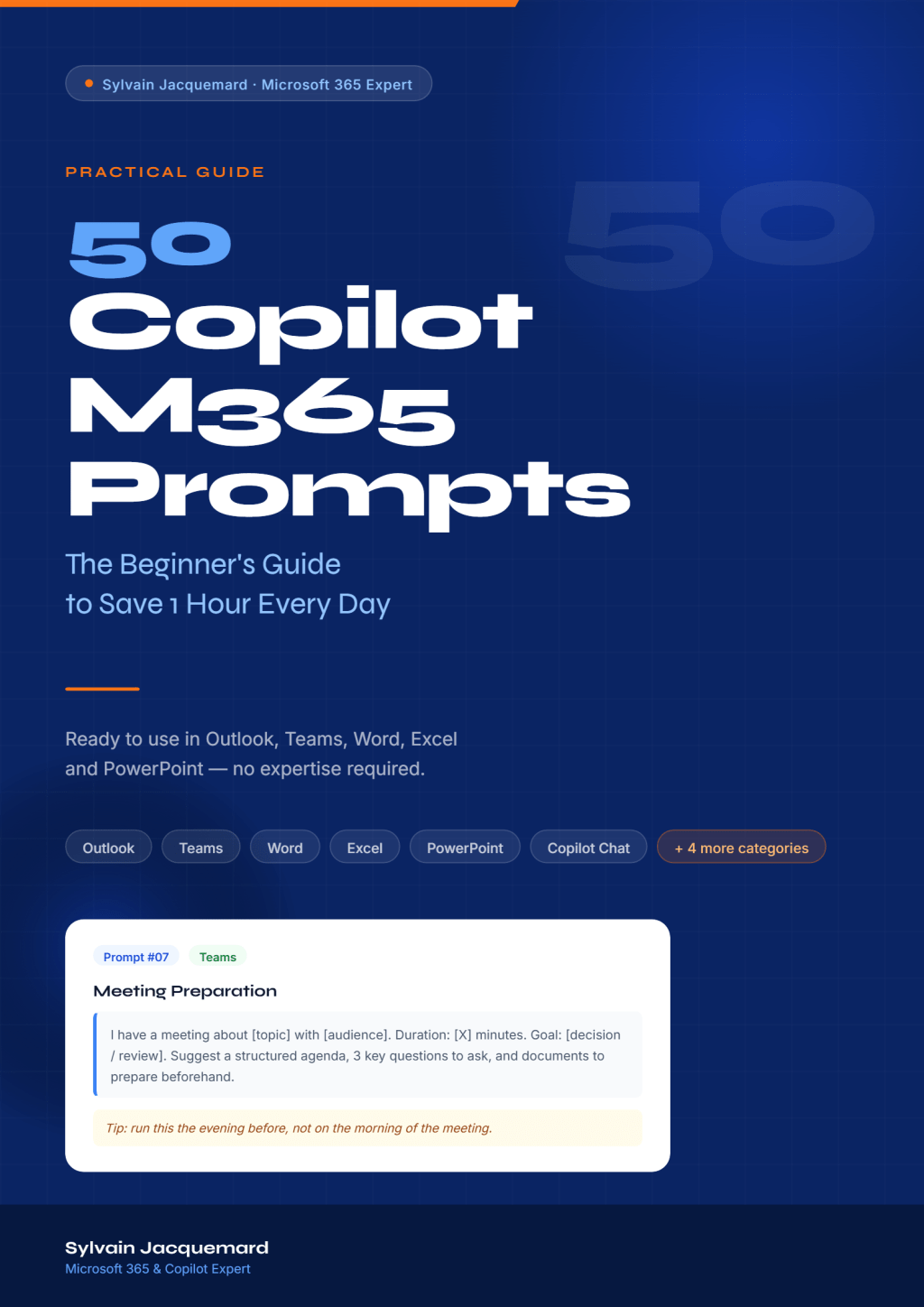
“50 Copilot M365 Prompts — The Beginner’s Guide to Save 1 Hour Every Day” is a PDF guide containing 50 ready-to-use prompts, organized across the apps you already use every day: Outlook, Teams, Word, Excel, PowerPoint, and Copilot Chat.
Each prompt is structured the same way:
– A clear use case (so you know exactly when to reach for it)
– The full prompt, ready to copy and paste, with [variables] you simply replace with your own info
– A practical tip based on real field experience
No filler. No theory. Just prompts that work.
Who it is for
I wrote this guide for the employee who just received Copilot access and is wondering what to actually do with it. Not for developers, not for IT admins — for the person who spends their day in meetings, emails, and documents, and wants to get an hour back.
If you’re already a power user, the “Advanced Copilot” and “Expert Bonus” sections will still give you new angles to explore.
A few examples of what’s inside
Imagine starting your day by asking Copilot to triage your inbox — urgent vs. action required vs. for information — and getting a structured table in seconds. Or walking into a meeting with a full agenda, five sharp questions, and the right documents already identified, generated in two minutes the evening before. Or closing your week by generating a structured review that you can share with your manager without editing.
These are not hypotheticals. They are prompts #5, #7, and #35 in the guide.
Why I published it
Honestly, I’ve been explaining these things in conversations, in training sessions, in blog posts for a long time. At some point it made more sense to put it all in one place — structured, consistent, immediately actionable.
I also wanted to create something that respects the reader’s time. This is not a 200-page textbook. It is a working tool you open alongside Copilot and use right now.
What’s next
This is the first in what I plan to be a series. The next guide will go deeper on Power Automate and automation workflows — for people who are ready to move beyond prompting and start building real processes with Copilot.
If you have a specific Microsoft 365 topic you’d like me to cover, drop it in the comments — I read everything.
Get the guide
“50 Copilot M365 Prompts — The Beginner’s Guide” is available now for 10 USD.
If you find it useful, sharing it with a colleague who just got Copilot access is the best thing you can do. They will be grateful — and so will I.
— Sylvain Jacquemard


Leave a comment