Wednesday September 18th is the day of the Keynotes.
My agenda of the day:
- 9 AM – 10 AM : Opening Keynote
- 10 AM – 10:45 AM : Break
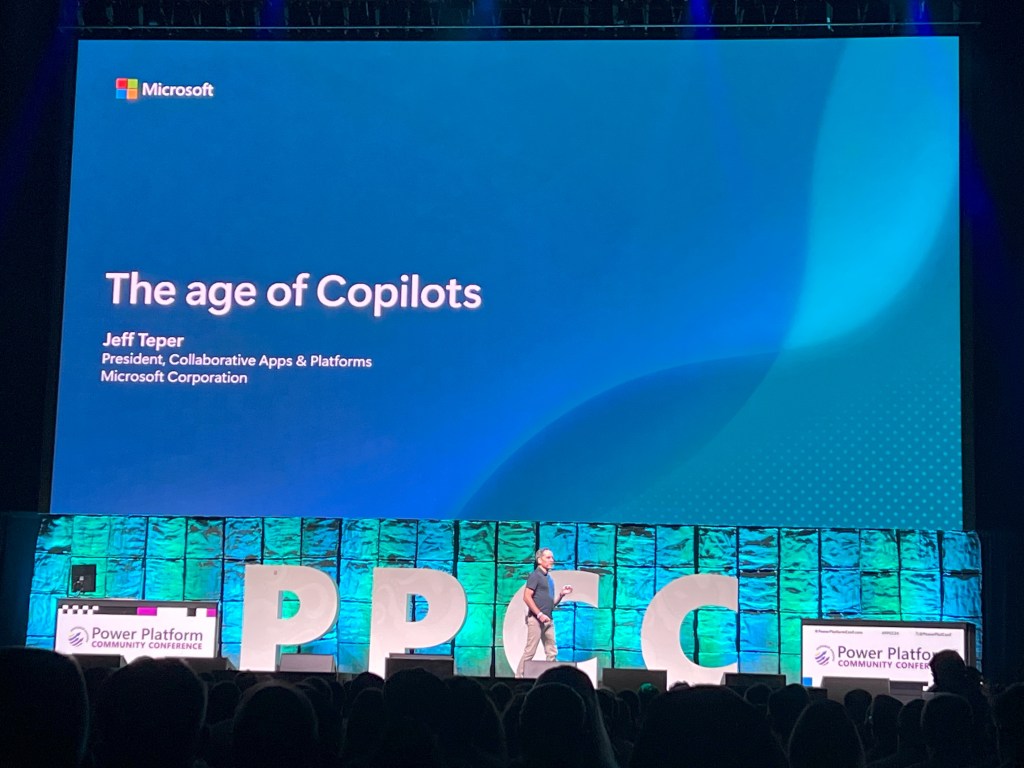
- 10:45 AM – 11:15 AM : Keynote – The Age of Copilots
- 11:30 AM – 12:00 AM : Keynote – Power BI & Microsoft Fabric – Data in the Era of AI
- 2 PM – 3 PM : Power BI Vision & Roadmap
- 3:45 PM – 4:45 PM : Harnessing Your Business Data Better with Dataverse
- 4:45 PM – 6 PM : Networking and Expo Hall





During the Keynotes, several key announcements were made, emphasizing the continued integration of AI, low-code development, and enhanced collaboration features within Microsoft’s Power Platform. Here are some major takeaways:
- AI and Copilot Integration: The integration of AI, particularly Copilot, was a central theme. Copilot’s capabilities have been significantly expanded, allowing users to create desktop flows, generate apps, and even design websites using natural language inputs. This lowers the barrier for non-developers to engage in automation and app-building tasks.
- Plan Designer for Power Apps: A new Plan Designer feature was introduced, allowing users to generate detailed project plans directly within Power Apps. This feature streamlines project management and simplifies app creation, offering users a more intuitive way to manage workflows. For me this feature is just incredible and it will really change the way we use AI to build solutions in the future.
- Co-Authoring in Power Apps: Co-authoring is now available, allowing multiple developers to collaborate on the same app in real-time. This is expected to enhance teamwork and speed up the app development process. We did have a live demonstration of this feature and that was awesome.
- AI Recorder for Power Automate: The AI Recorder for desktop flows, now in public preview, simplifies the creation of automation workflows by interpreting user actions like clicks and keystrokes. This tool makes it easier for both beginners and advanced users to adopt automation.
- Enhanced Business Intelligence: The Power Platform’s integration with Microsoft Fabric allows businesses to process real-time data without the need for ETL processes, enabling faster decision-making and real-time insights.
- Copilot Agents: We seen the Predictive AI in the Past, now we have Generative AI and start to come Agent AI. AI taking actions for you.
These developments, particularly in AI and automation, demonstrate Microsoft’s dedication to enabling businesses and citizen developers to innovate more effectively and expand their operations with reduced need for technical skills.
More about Copilot Agents :
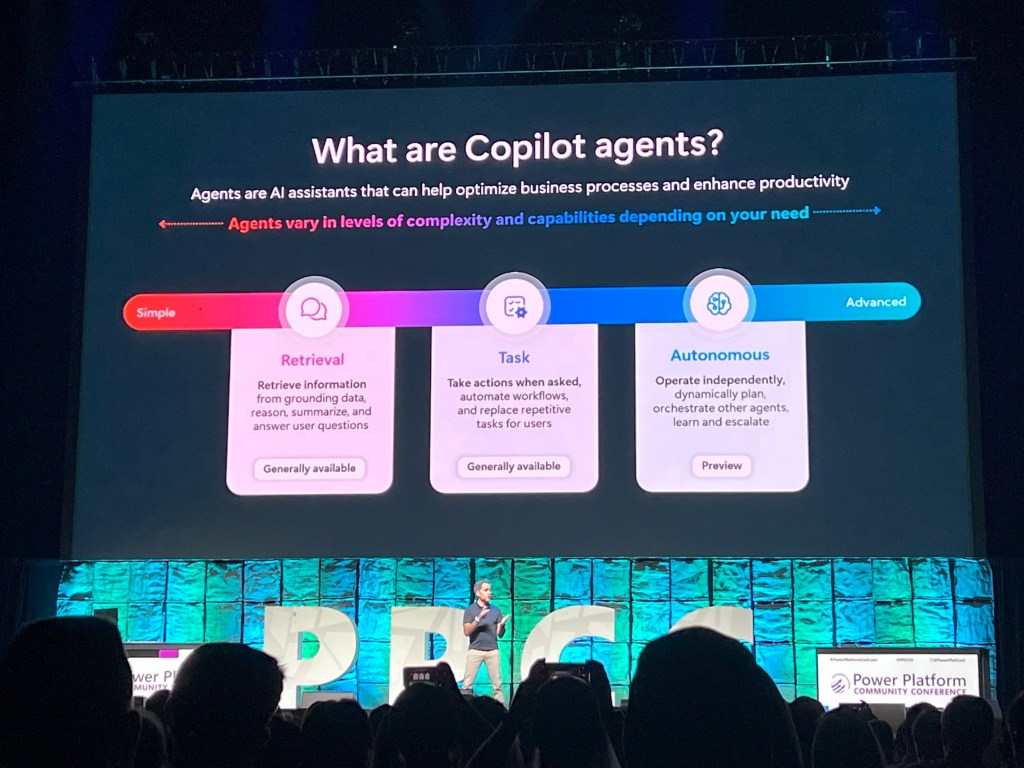

Copilot Agents are AI-powered assistants designed to enhance productivity and automation within the Microsoft ecosystem, particularly through the Power Platform. These agents interact with users through natural language, simplifying tasks such as data handling, application development, and even automating workflows. Here’s a deeper look into their capabilities and impact:
- AI-Powered Assistance: Copilot Agents are capable of understanding natural language inputs to perform tasks, such as retrieving information, summarizing data, and even taking actions on behalf of the user. This is part of Microsoft’s vision of making automation more accessible to a broader audience, including non-developers.
- Integration with Copilot Studio: These agents can be built and customized within Copilot Studio, where users can create agents tailored to their business needs. These agents can autonomously execute workflows, coordinate actions between other agents, and escalate issues to human users when needed.
- Use Cases:
- Power Automate: Copilot Agents are used to automate repetitive tasks across applications, helping businesses streamline processes without the need for complex coding.
- SharePoint: Copilot Agents assist users in building web pages or drafting documents by leveraging large language models (LLMs) to generate content based on user prompts.
- Real-Time Decision Making: Through integration with Microsoft Fabric, Copilot Agents enable businesses to act on real-time data, facilitating faster and more informed decision-making.
- Autonomous Workflow Execution: The most sophisticated Copilot Agents operate autonomously. They don’t just execute specific tasks; they can create and implement entire workflows based on high-level instructions, adapting to changing parameters and improving themselves through interaction and learning.
These agents represent the future of low-code development by empowering users to accomplish complex tasks with minimal manual input, driving both efficiency and innovation in business processes.
The end of the third day was the time for the celebration with the concert.
After an insightful few days at the Power Platform Community Conference 2024 in Las Vegas, I spent Days 4 and 5 diving deep into key technologies like Microsoft Dataverse, Microsoft Fabric, and Power BI. These tools represent powerful components of the Microsoft ecosystem that are transforming the way businesses handle data, build solutions, and generate insights. Below is a summary of the valuable lessons I gathered and how these technologies can drive innovation in my organization.
Day 4: Microsoft Dataverse and Migration from SharePoint Lists (and others)
One of the key focuses of my Day 4 sessions was Microsoft Dataverse, Microsoft’s powerful data platform designed to centralize and manage data securely. As someone already using SharePoint Lists, I wanted to understand how Dataverse could offer more robust data management capabilities and what the migration path would look like.
Why Migrate from SharePoint Lists to Dataverse?
- Enterprise-Grade Data Handling: Unlike SharePoint Lists, Dataverse is built to handle complex data structures, supporting relational models and large-scale data. It also provides deeper security and governance, which is critical for scaling up data-driven applications.
- Seamless Integration: Dataverse seamlessly integrates with Power Apps, Power Automate, and Power BI, allowing businesses to build powerful, low-code apps and workflows without needing external systems. This makes it an ideal solution for consolidating data across various applications.
Migration Path from SharePoint Lists
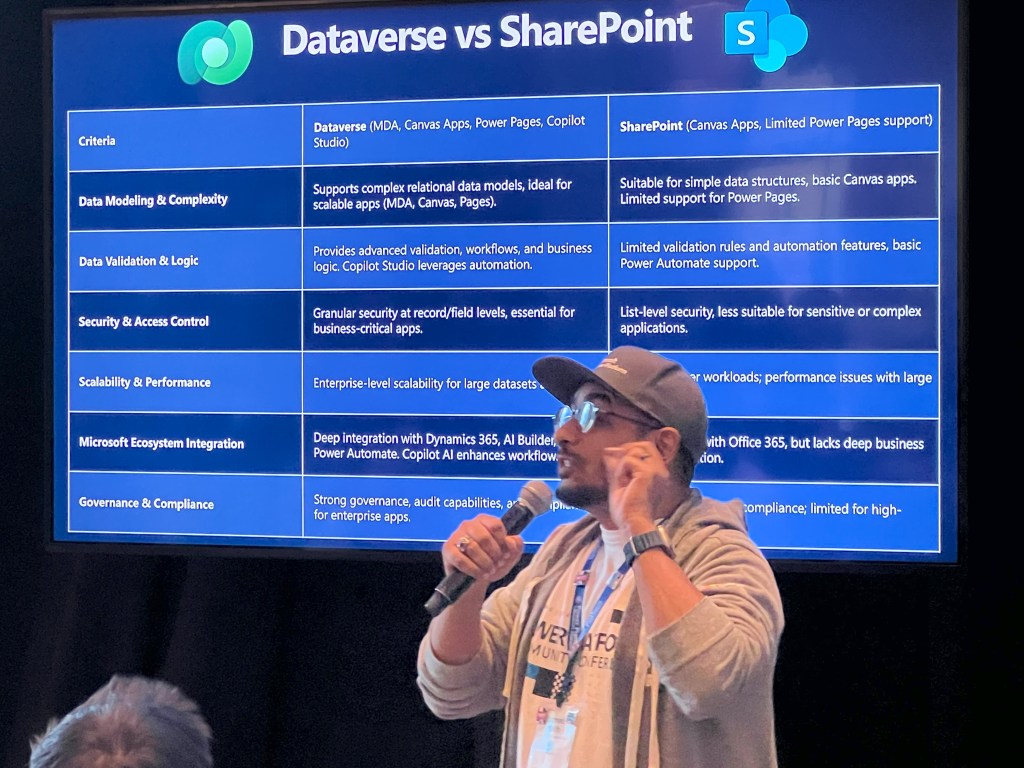
The migration process from SharePoint Lists to Dataverse is relatively straightforward. Microsoft has provided tools that simplify this transition, allowing users to map their data into Dataverse’s more structured environment. This was one of the biggest takeaways for me since it ensures that my organization can migrate to Dataverse with minimal disruption.
Use Cases I explored included:
- Customer Relationship Management (CRM): Dataverse is particularly suited for CRM systems where data needs to be relational, secure, and integrated with other enterprise tools.
- Business Process Automation: Combining Dataverse with Power Automate allows for extensive automation of repetitive tasks, making workflows more efficient and less dependent on manual input.
Day 4: Microsoft Fabric – Data Unification and Analytics
Following my exploration of Dataverse, I attended sessions on Microsoft Fabric, a unified data platform that integrates data lakes, analytics, and real-time data processing. As data becomes a crucial asset for any business, Fabric offers a scalable solution to unify data across different sources.
Key Highlights from Microsoft Fabric:
- Unified Data Platform: Microsoft Fabric allows businesses to collect, process, and analyze data from multiple sources (including SharePoint, Dataverse, and external systems) without the need for complex ETL (Extract, Transform, Load) processes. This saves time and resources while ensuring that all data remains actionable in real time.
- Integration with AI: Fabric integrates Azure Synapse for advanced analytics, which can drive AI-powered insights directly from your datasets.
Use Case: By integrating Microsoft Fabric with existing tools, I saw how organizations can build real-time dashboards and reports that deliver actionable insights. This was especially relevant to me as my team explores how to make data more accessible for decision-makers in real time.
Day 5: Engaging Reporting with Power BI
Day 5 was all about unlocking the full potential of Microsoft Power BI. I’ve used Power BI in the past, but the sessions during this conference showed me new ways to take our reporting to the next level.
Key Learnings:
- Advanced Visualizations: One of the standout features of Power BI is its ability to create interactive and dynamic reports. I learned how to leverage new features, including custom visuals and enhanced AI-driven data insights, which help create engaging and informative reports.
- Integration with Dataverse and Fabric: What struck me was how seamlessly Power BI integrates with Dataverse and Microsoft Fabric. By tapping into real-time data from Fabric, I can create dashboards that not only visualize current performance but also offer predictive insights based on historical data.
Enhancing User Engagement with Data Storytelling
The sessions emphasized the importance of data storytelling—using visuals not just to present data but to tell a story that drives decisions. This is especially important for executive-level reporting, where clarity and insight must lead to action. Power BI’s narrative features, combined with AI-powered automated insights, will allow me to present data in a way that is compelling and intuitive.
Conclusion: Unlocking the Full Potential of Microsoft’s Ecosystem
Days 4 and 5 at the conference were incredibly valuable in understanding how Microsoft Dataverse, Microsoft Fabric, and Power BI can work together to modernize our data management and reporting processes. Whether it’s migrating from SharePoint Lists to Dataverse, leveraging Fabric for real-time insights, or creating engaging Power BI reports, the tools I learned about provide a comprehensive suite of solutions that can help our organization drive innovation, efficiency, and informed decision-making.
I’m excited to bring these new insights back to my team and start mapping out our next steps for migrating to these platforms and integrating them into our workflows.
And Las Vegas without some fun it’s not Las Vegas, On Thursday with a couple of attendees we went to see a WNBA game, it was really awesome.


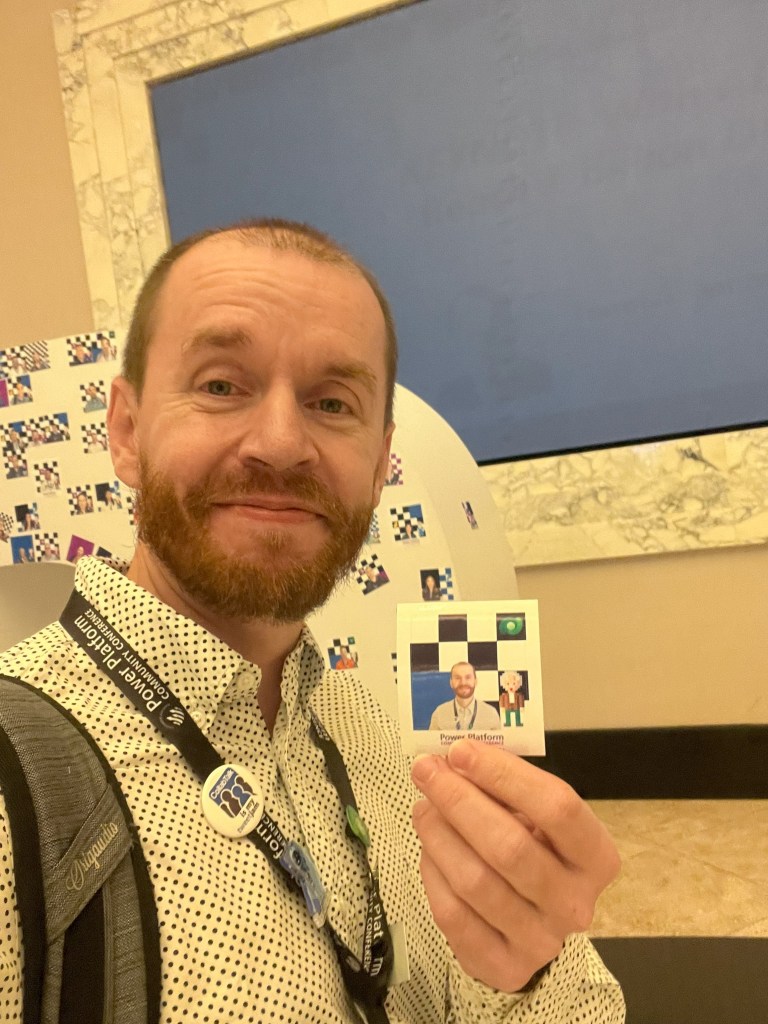


As the Power Platform Community Conference 2024 in Las Vegas comes to a close, I’m reflecting on what an incredible week it has been—full of exciting announcements, valuable learning, and meaningful connections.
This conference wasn’t just about technology; it was a chance to engage with a community of passionate professionals. I had the opportunity to dive into the latest innovations in Microsoft Dataverse, Microsoft Fabric, and Power BI, and I’m leaving with a wealth of knowledge that I can’t wait to apply. But beyond the sessions and keynotes, I also met so many inspiring individuals—people who share my enthusiasm for pushing the boundaries of what’s possible with the Power Platform. These relationships often grow beyond professional connections, and I’m confident some will evolve into lasting friendships.
While the learning never stops, the relationships and conversations are what really make these conferences special. I’m looking forward to staying in touch with everyone I met and seeing them at the next event.
On a more personal note, I’ll be wrapping up my thoughts from this trip in one final blog post—so keep an eye out for that! If you’d like to stay informed about my future posts, feel free to subscribe. It’s free, so why not join in? I’d love to continue sharing insights with you.
Stay tuned, and until next time!
 The Technology, The CIO Life and Me
Leave a comment